
Showcase — 7 Course Catalog Designs
May 4, 2026
A course catalog should feel like an extension of your institution, not an isolated publication. The best designs reflect your school's brand, reinforce accessibility, and make academic content easy to navigate. With Clean Catalog, every site is customized to reflect the identity and priorities of each school, with thoughtful design choices that support both usability and brand consistency.
Here are seven course catalog designs that show how tailored, responsive design can elevate the catalog experience for students, faculty, and administrators alike.
Bates Technical College
Bates Technical College needed a catalog design that felt practical and easy to navigate across a multi-campus institution. The custom footer highlights all three campus locations and links directly to key policy information, which keeps important resources close at hand. We also added a dedicated Personnel tab that leads to a searchable faculty and staff table, making it easy for users to find the right contact. On the degrees page, programs are clearly sectioned out so users can move through options without feeling overwhelmed.
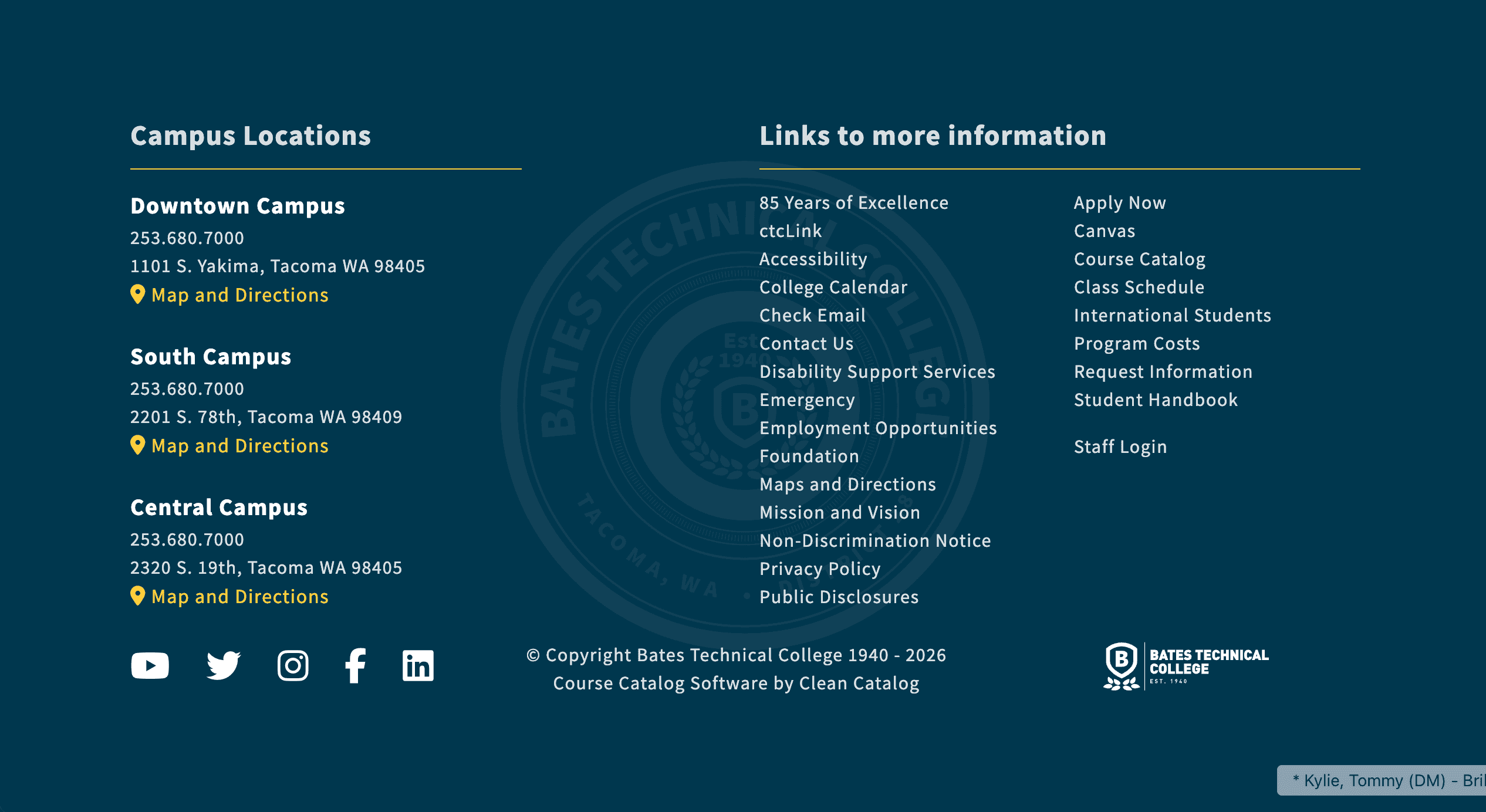 Bates Technical College's custom footer highlights multiple campuses and key links.
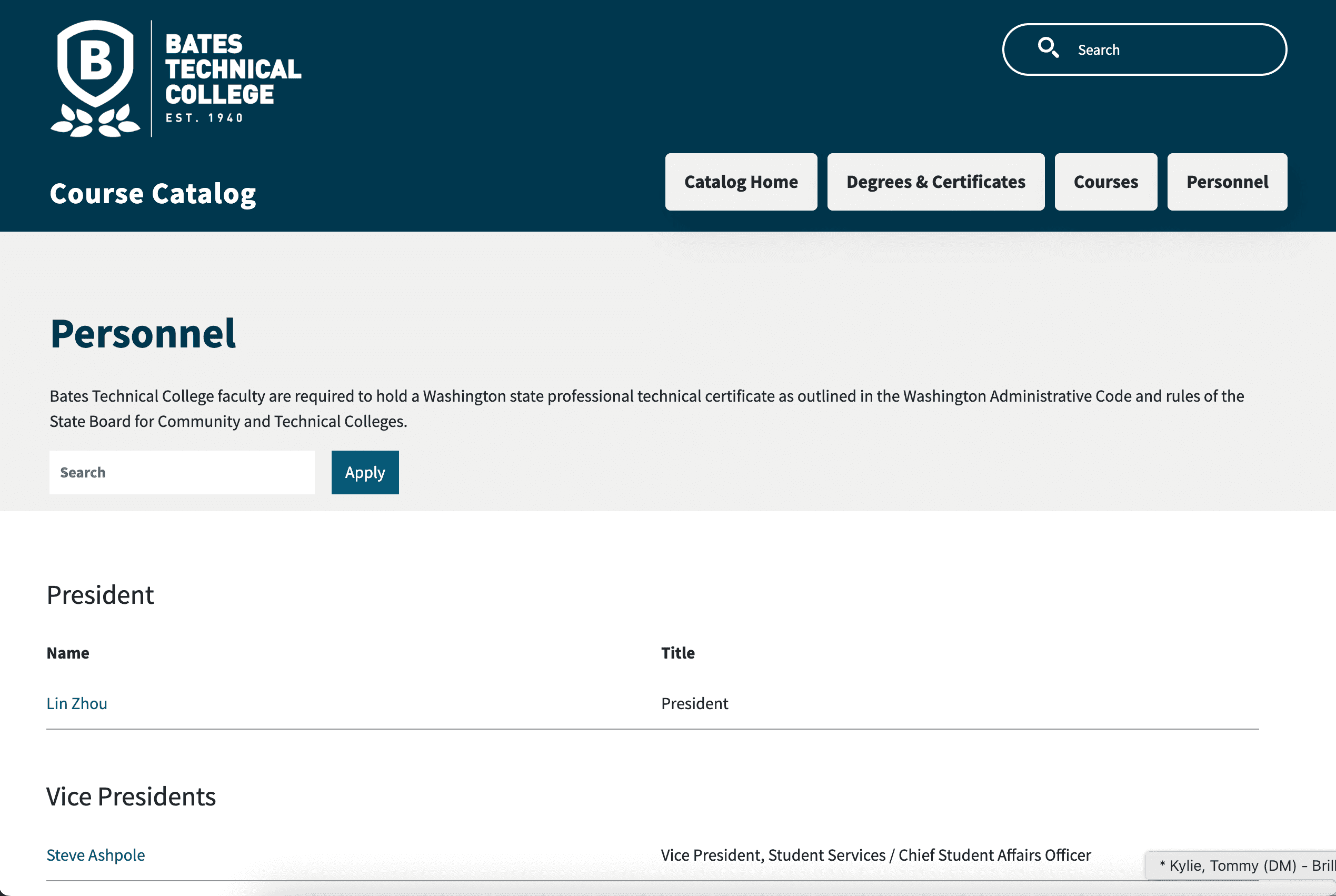 A dedicated Personnel tab makes faculty and staff information easier to find.
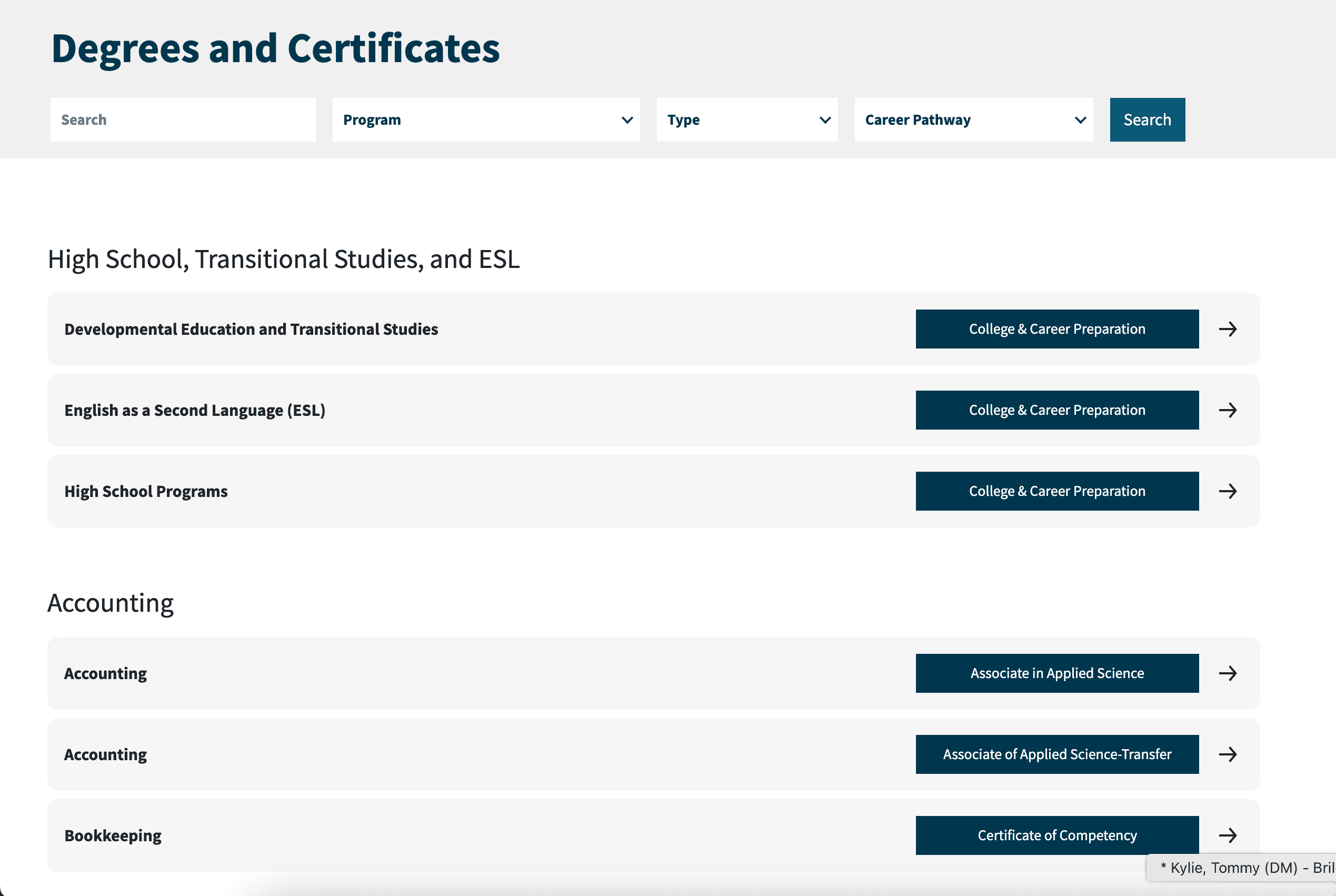 Programs are grouped clearly on the degrees page to improve scanning and navigation.
Mitchell Hamline School of Law
Mitchell Hamline School of Law leans into a professional visual style, with a few thoughtful custom touches that make the site especially usable. There is a dedicated Faculty tab in the navigation that displays headshots and contact information in one place. Course listings are also customized so credits are visible at a glance, saving users from clicking in and out of pages. Even the footer is tailored, featuring a custom discrimination policy pop-up bar alongside social media links, which reinforces both compliance and brand consistency.
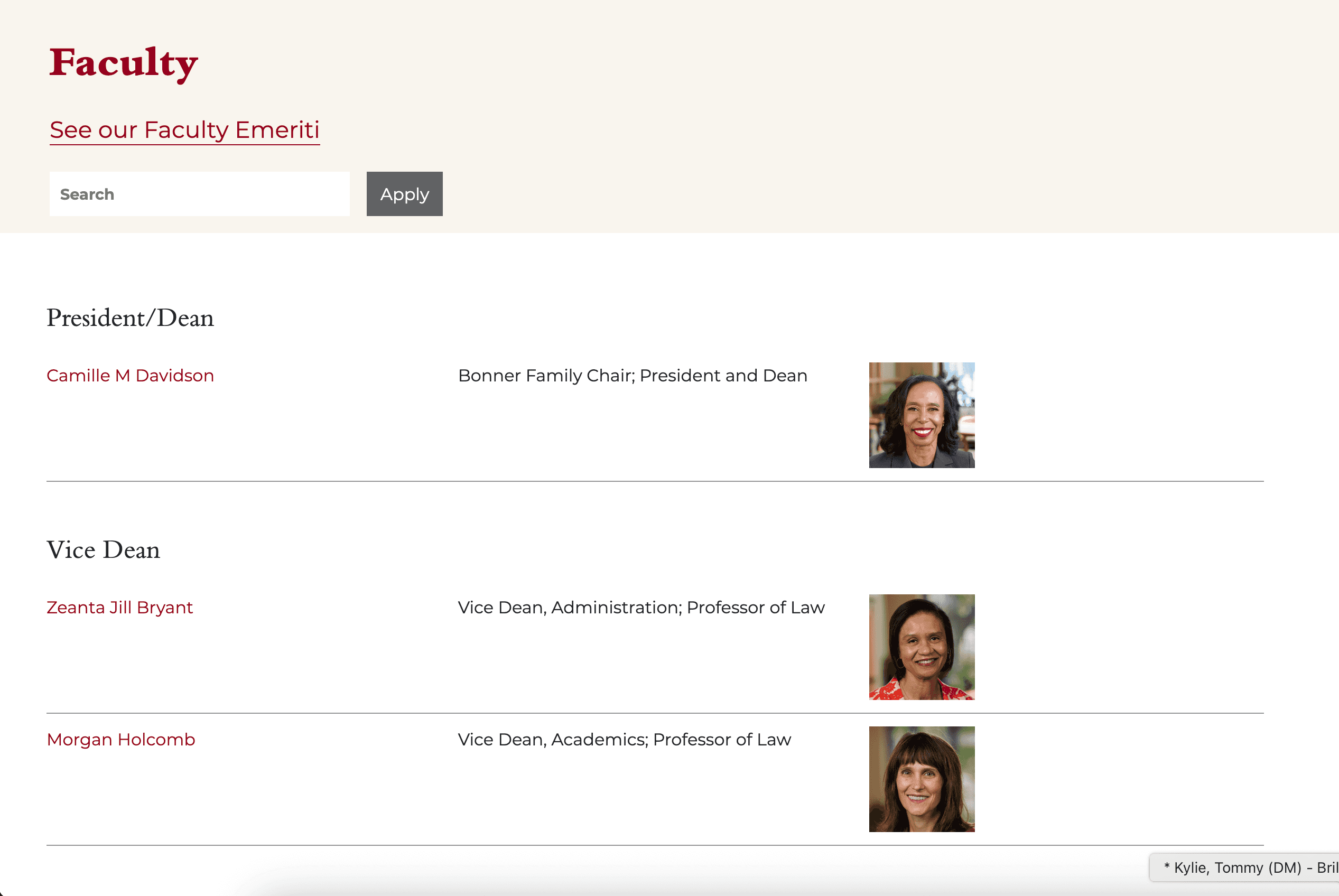 Mitchell Hamline's dedicated Faculty tab keeps people and contact information in one place.
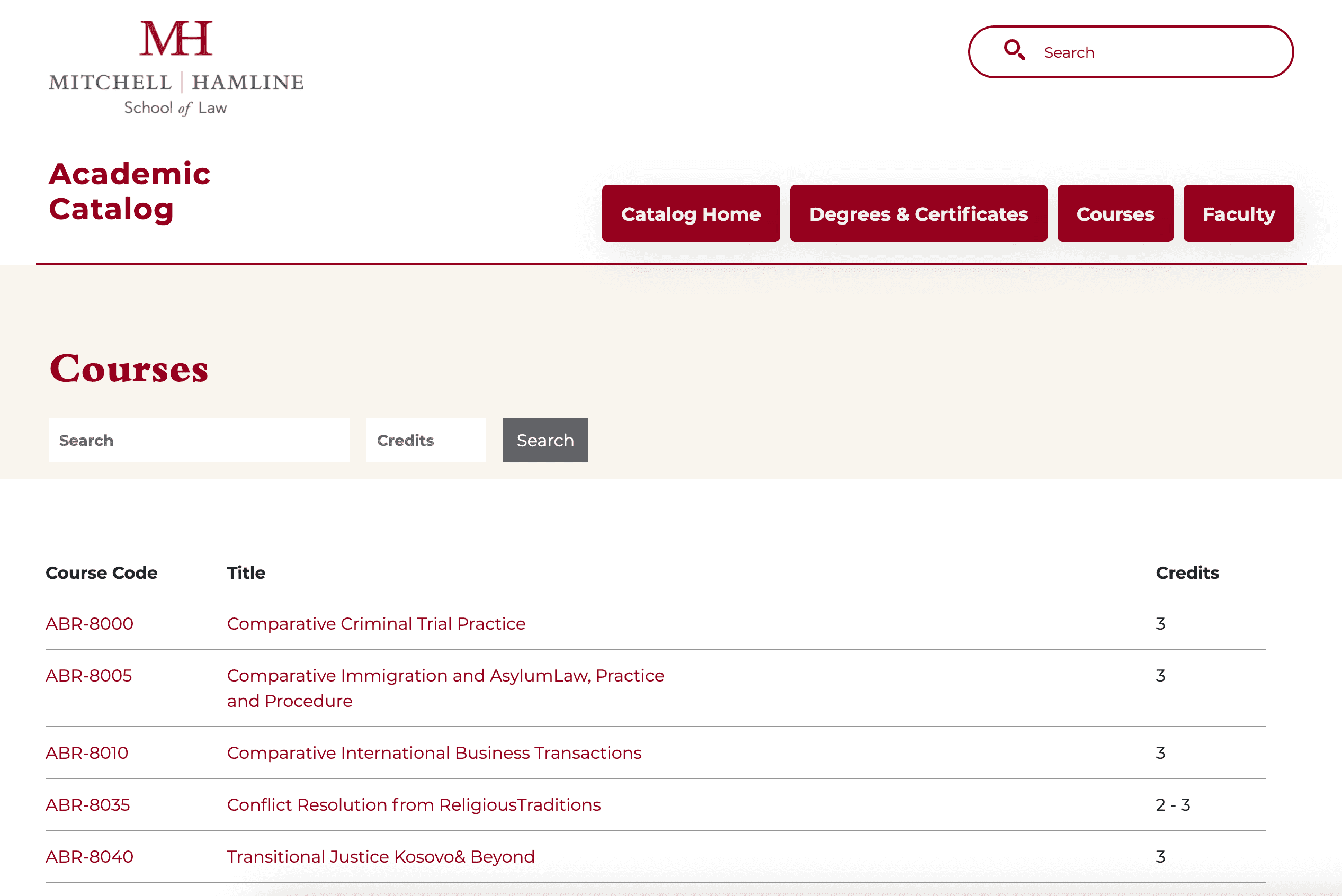 Customized course listings show credits up front for easier comparison.
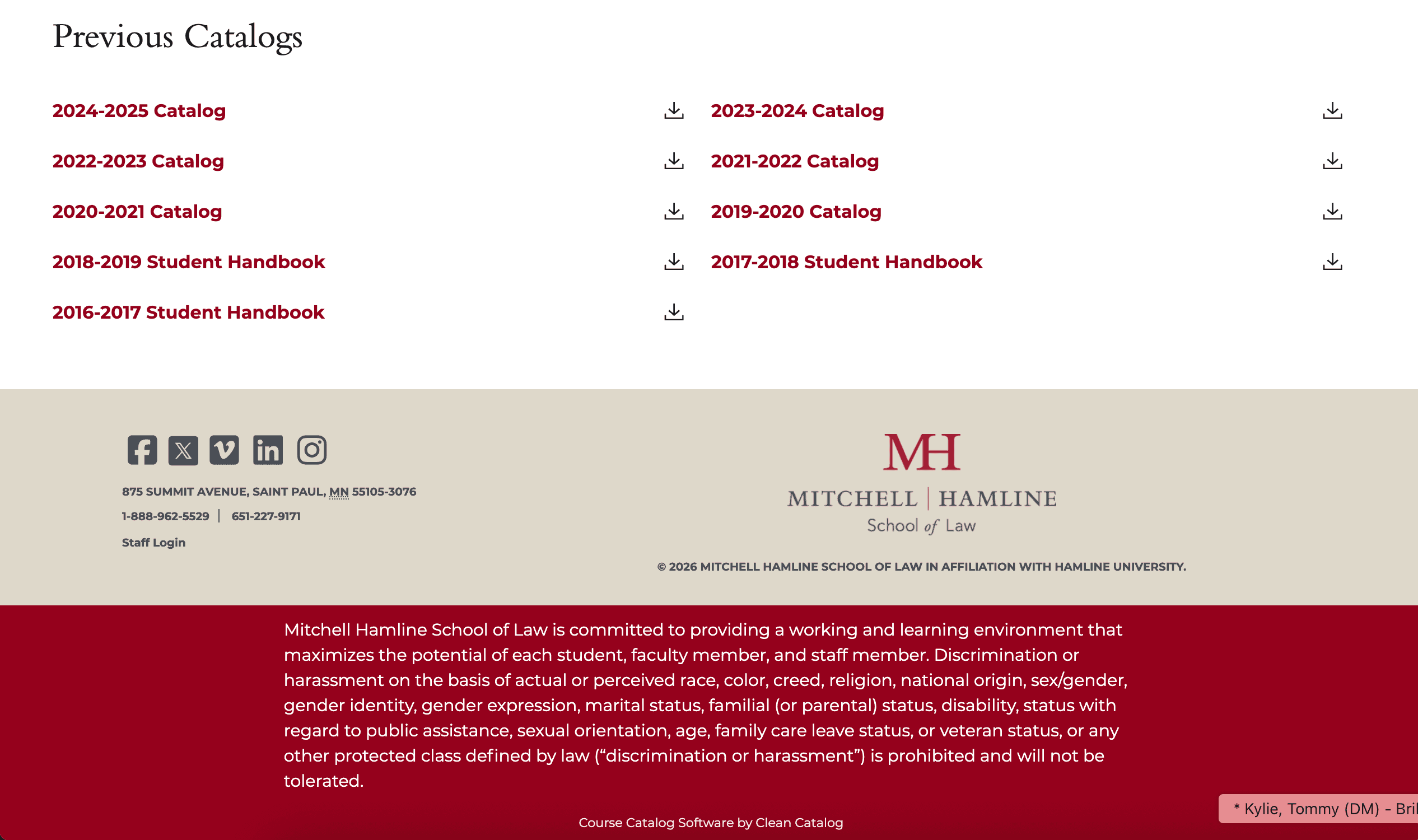 A custom footer supports compliance needs while staying aligned with the school's brand.
Illinois College
Illinois College uses custom layouts to simplify a large amount of information. The homepage features a custom campus photograph paired with four clear entry points into the handbook and catalog, so users know exactly where to go. Course listings are displayed in a grid format, turning a long list into something easier for students to scan quickly. Their Majors and Degrees page takes a similar approach with a four-column layout that allows users to view options at once without endless scrolling.
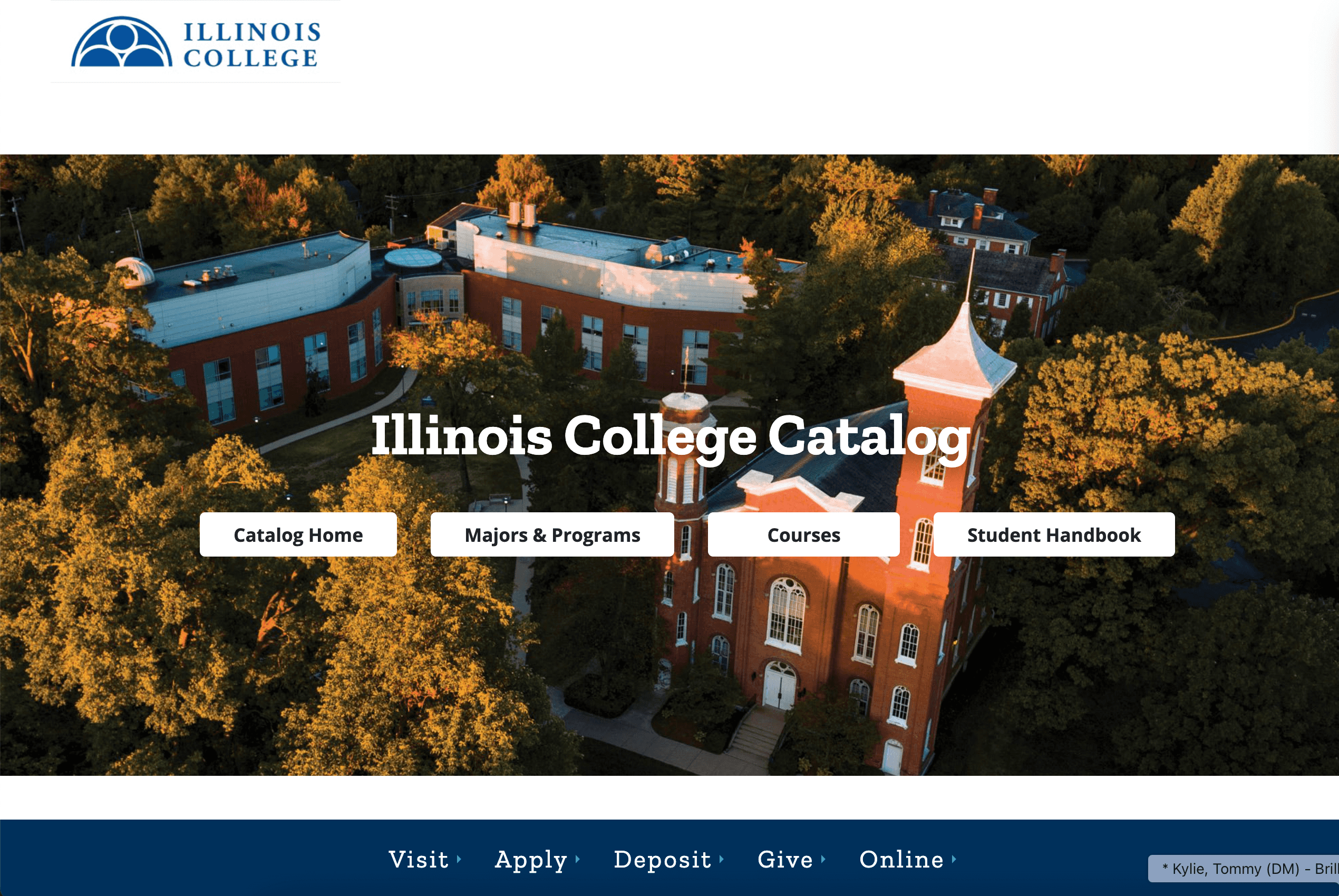 A custom homepage gives users clear entry points into the catalog and handbook.
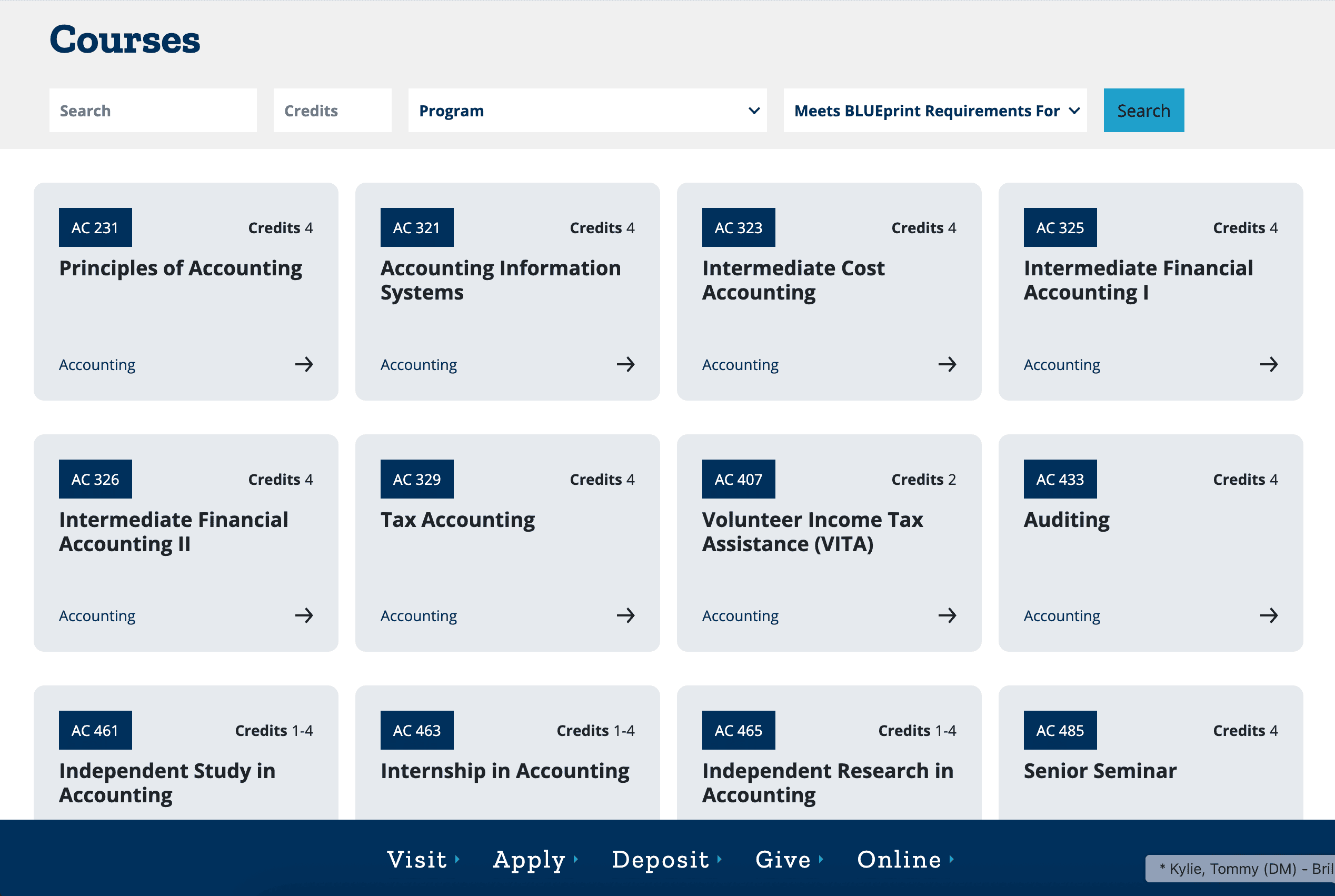 Grid-style course layouts make dense academic content easier to scan.
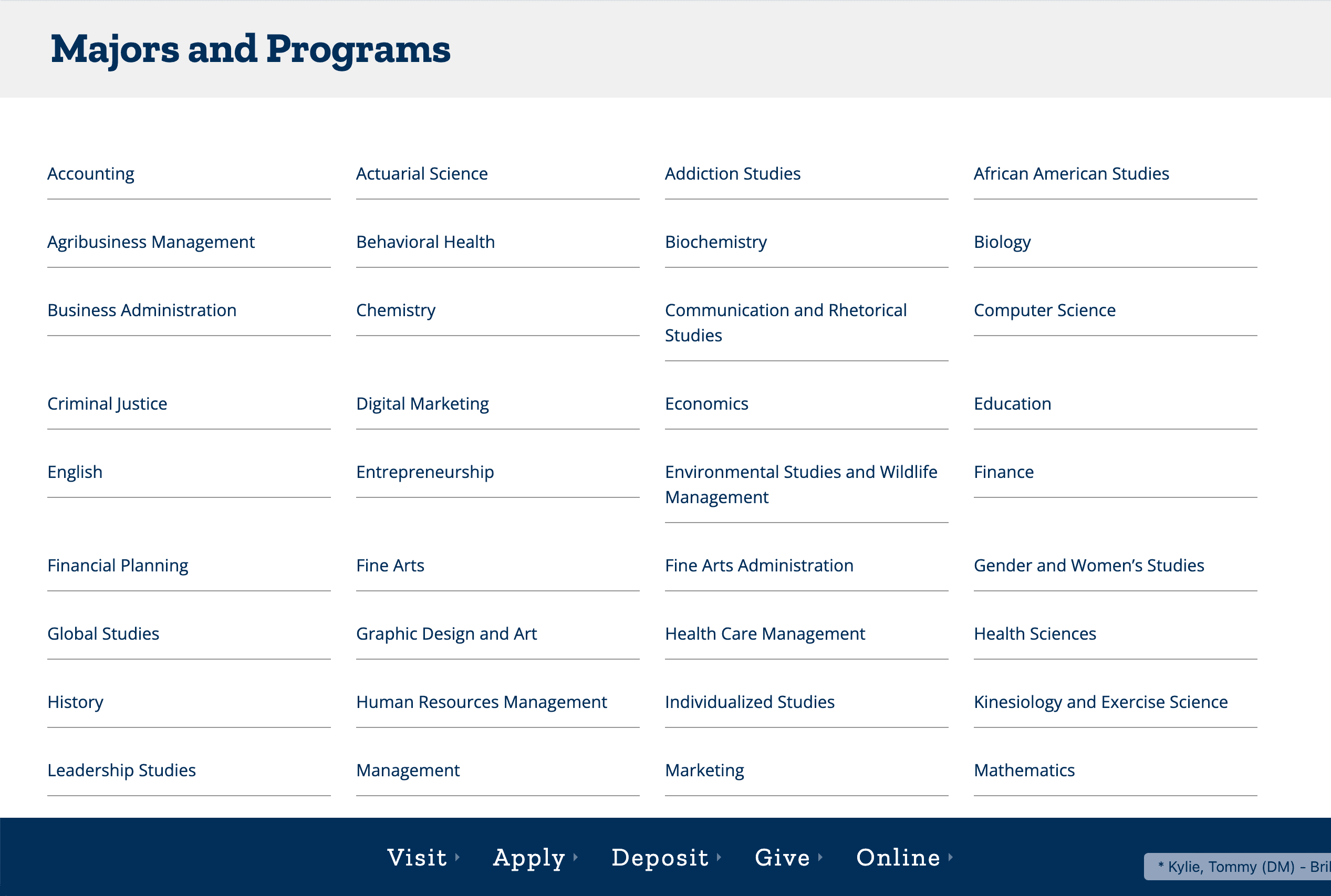 The Majors and Degrees page shows many options at once without overwhelming the user.
Full Sail University
Full Sail University has a playful, media-focused brand, and the catalog reflects that immediately. A custom illustration on the homepage sets a different tone than the typical academic catalog. The footer is built with marketing goals in mind, featuring call-to-action buttons like Apply Online and Chat Now, along with a direct link back to the main website. Those buttons also show up throughout the catalog, making it feel less like a static document and more like an active part of the enrollment funnel.
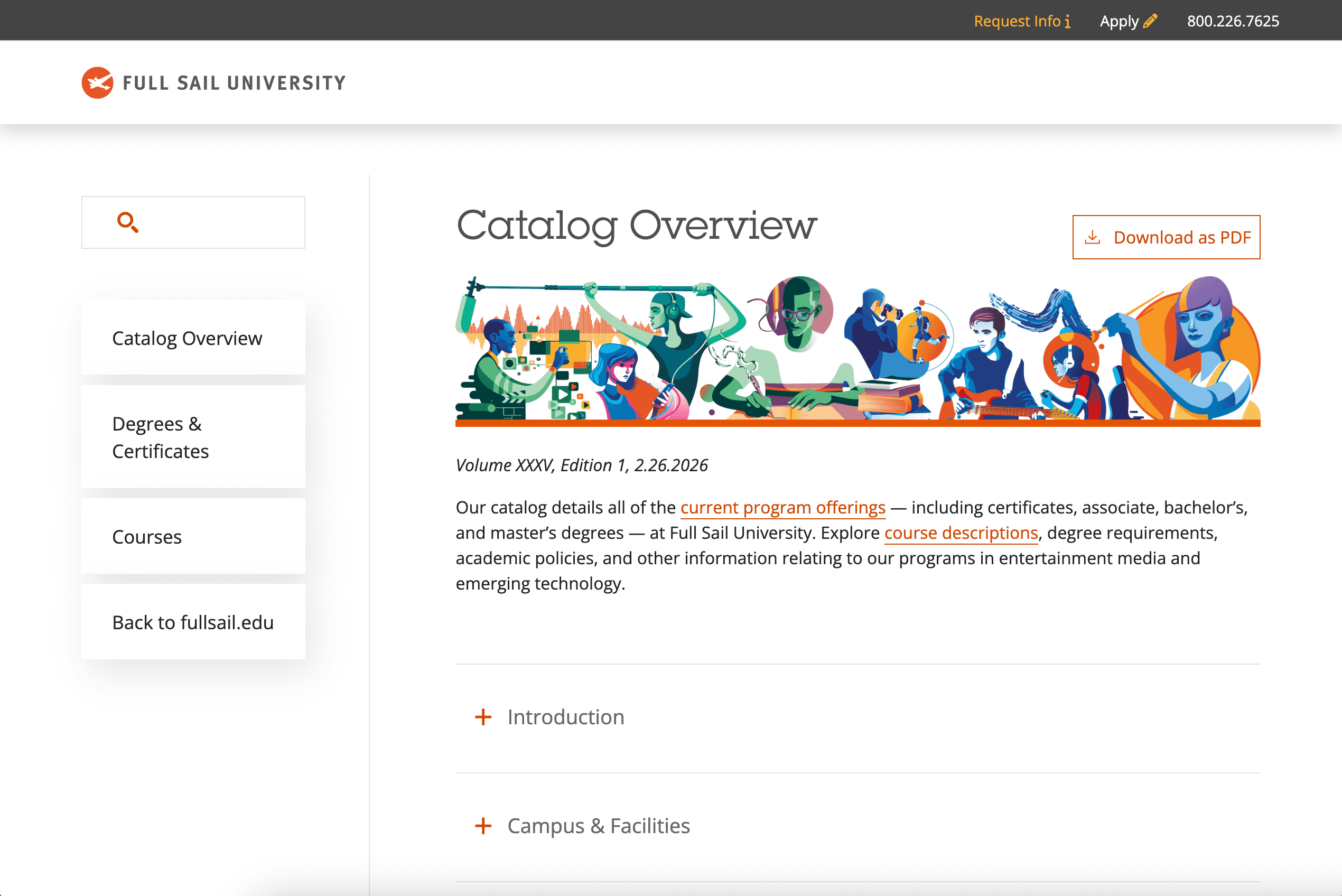 Full Sail's homepage uses custom artwork to establish its brand right away.
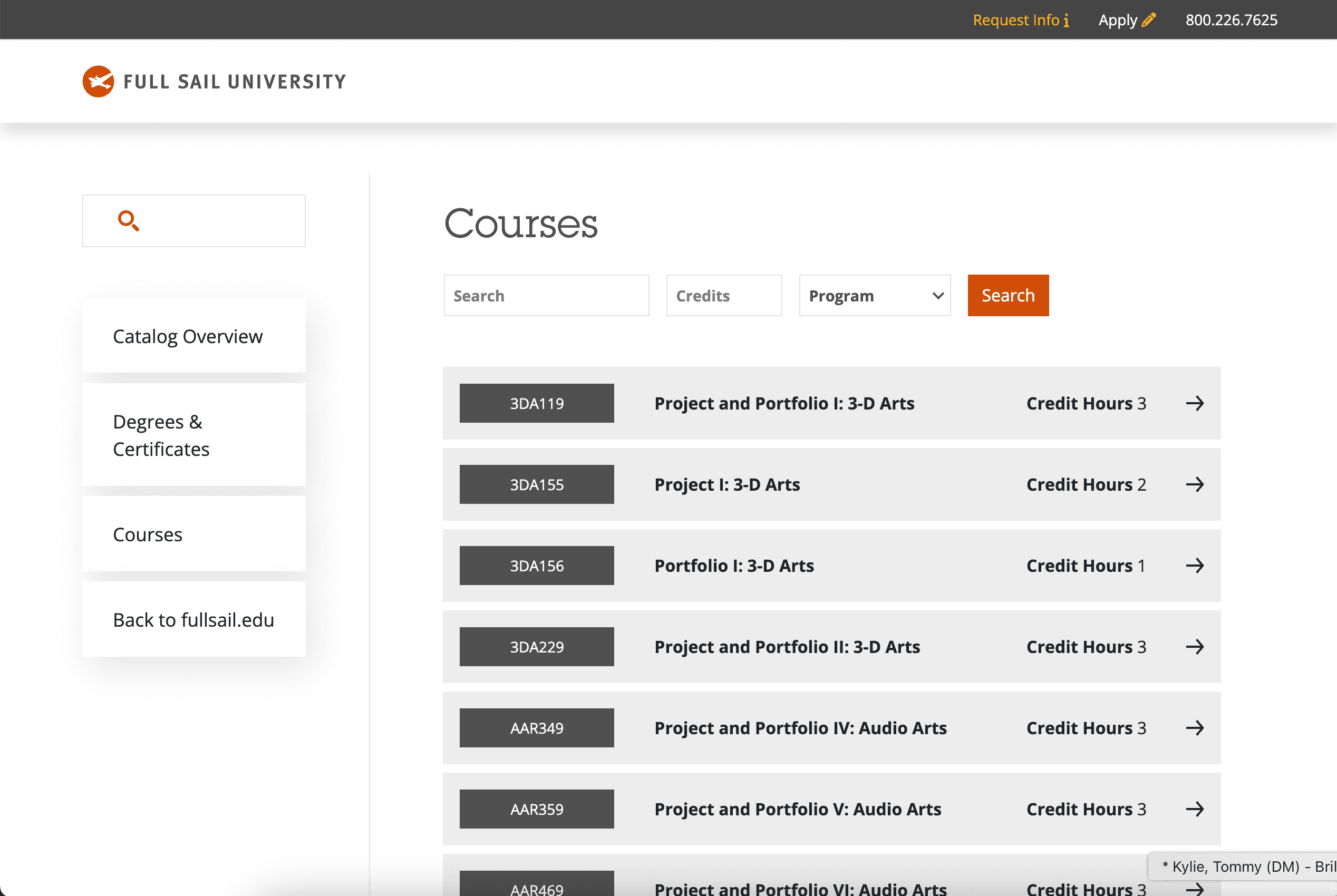 The catalog stays visually consistent even on dense course-listing pages.
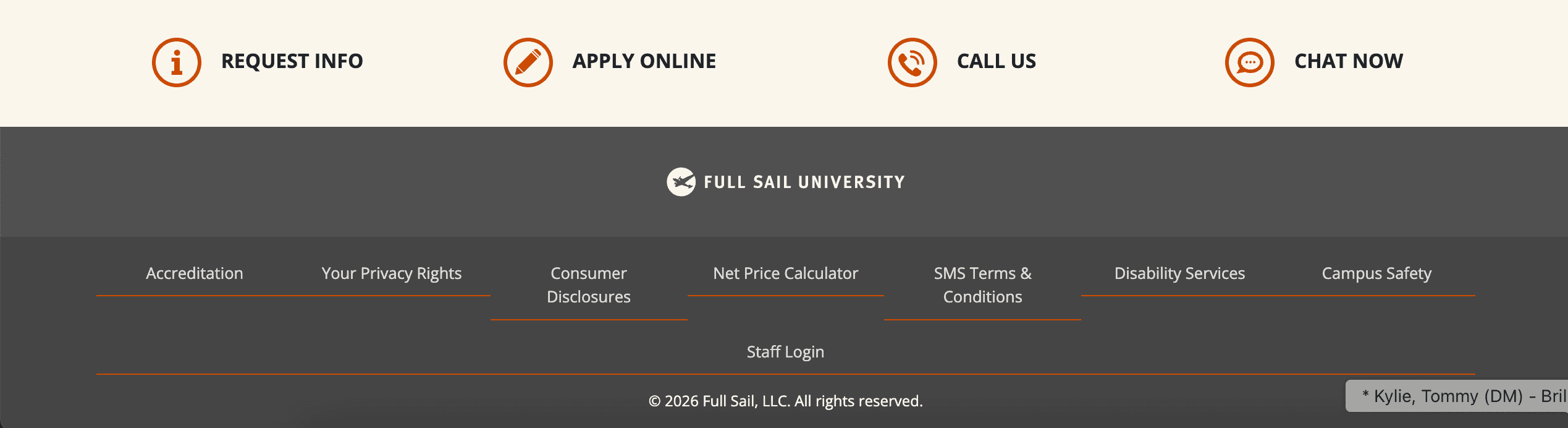 Footer CTAs help the catalog function as part of Full Sail's broader enrollment experience.
Carroll College
Carroll College takes a slightly different approach by integrating its student handbook directly into the catalog, with a clear link in the navigation. This removes a lot of friction for students who would otherwise be bouncing between systems. The left-hand navigation is also customized to expand between graduate and undergraduate views, which keeps the menu clean while still giving users quick access to the right content. Paired with consistent brand colors throughout, the catalog experience feels cohesive and easy to follow.
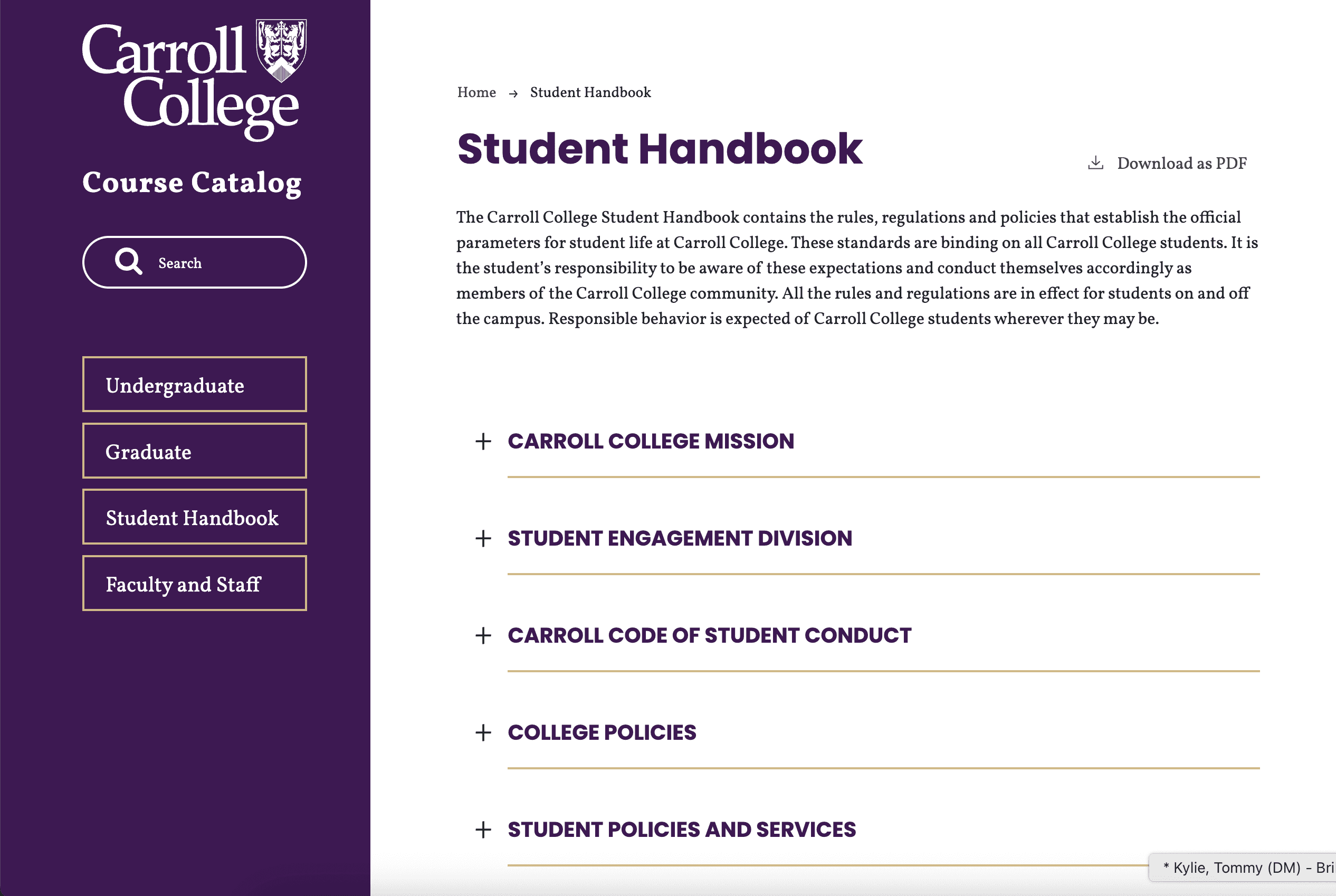 A direct student handbook link keeps related information in the same system.
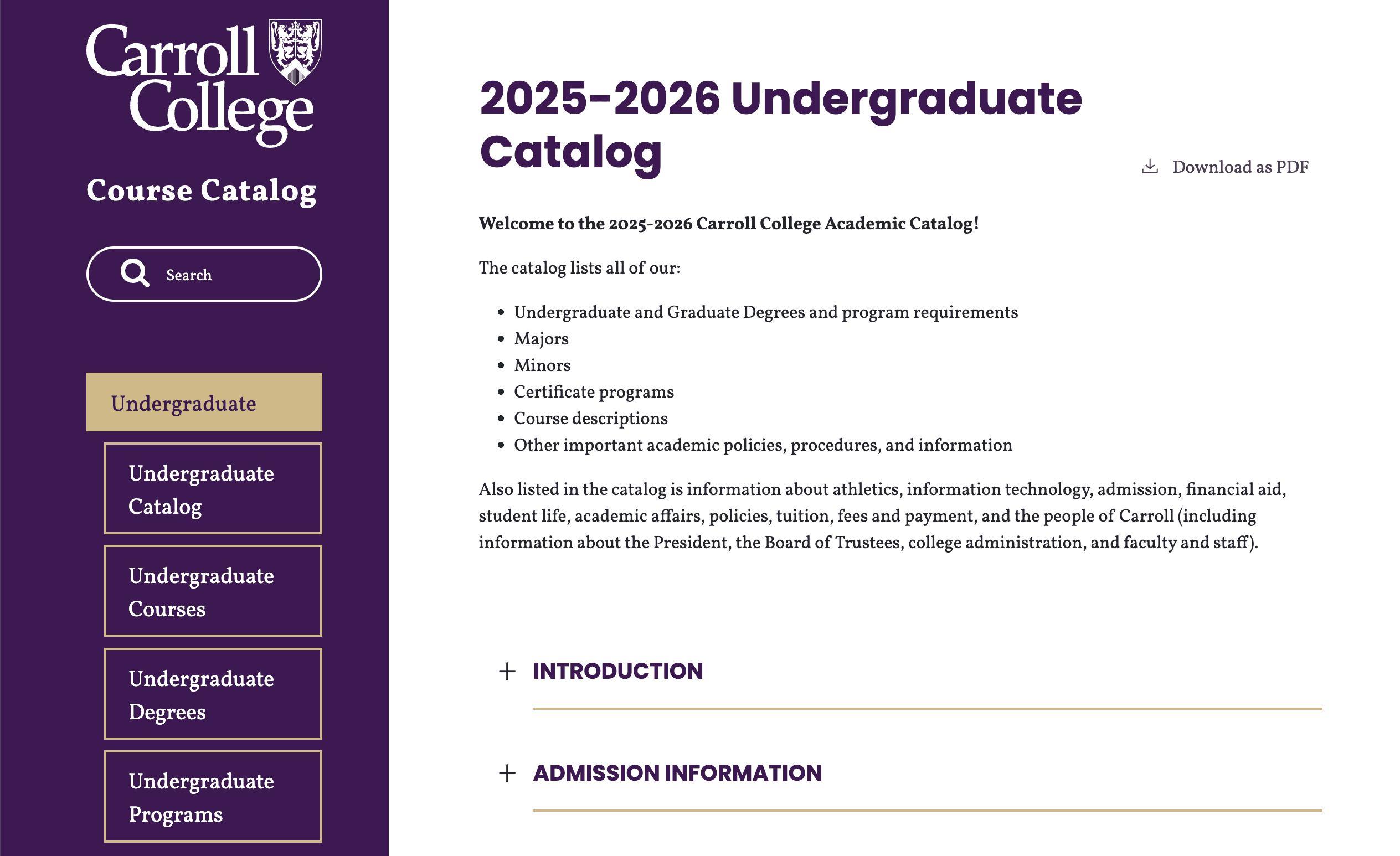 Expandable navigation helps users move between graduate and undergraduate content cleanly.
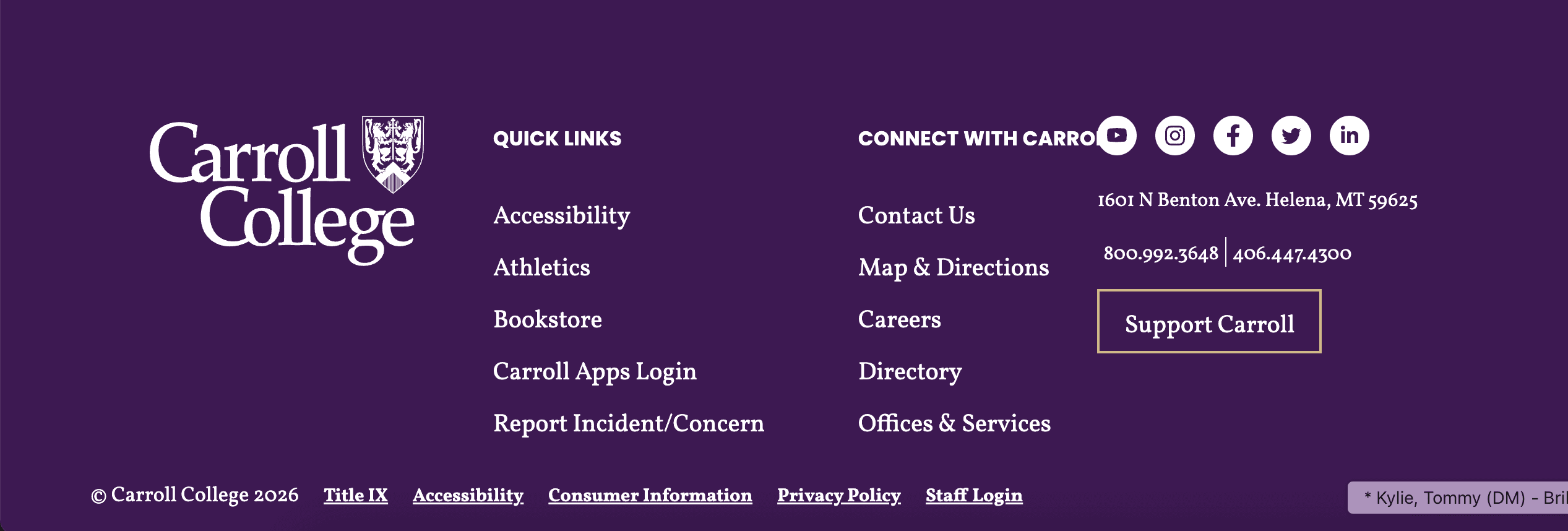 Consistent branding carries through to the footer and supporting navigation.
Bryan University
Bryan University was designed to feel like an extension of the institution's main website, starting with a custom banner image on the homepage. Further down the page, the footer mirrors the primary website, complete with links to program information, policies, and social media pages. Course and degree listings follow a clean list-style structure, with each overarching program highlighted using a colorful tag. It is a small design choice that makes a big difference when users are scanning quickly.
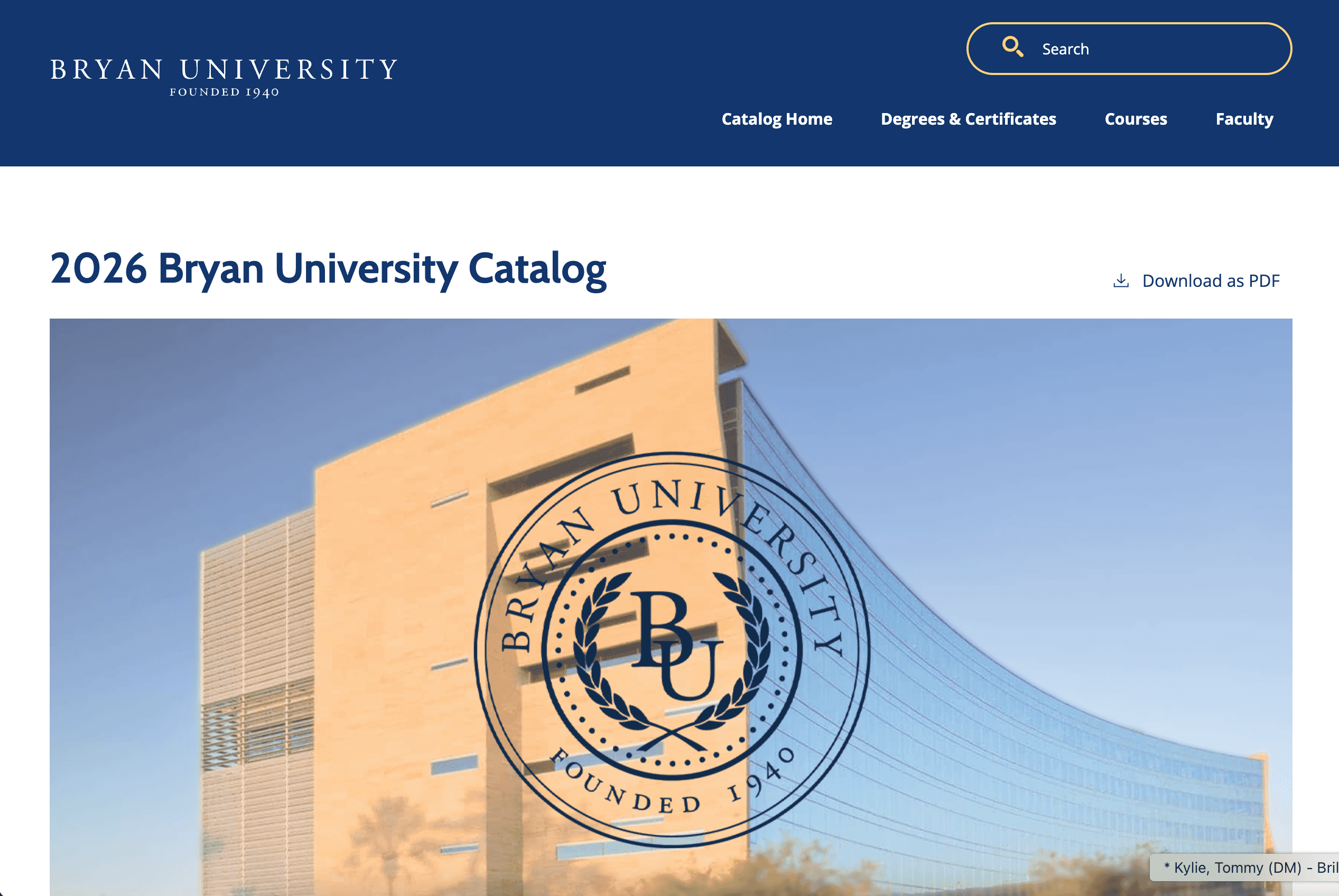 A custom banner image helps the catalog feel immediately connected to Bryan's main website.
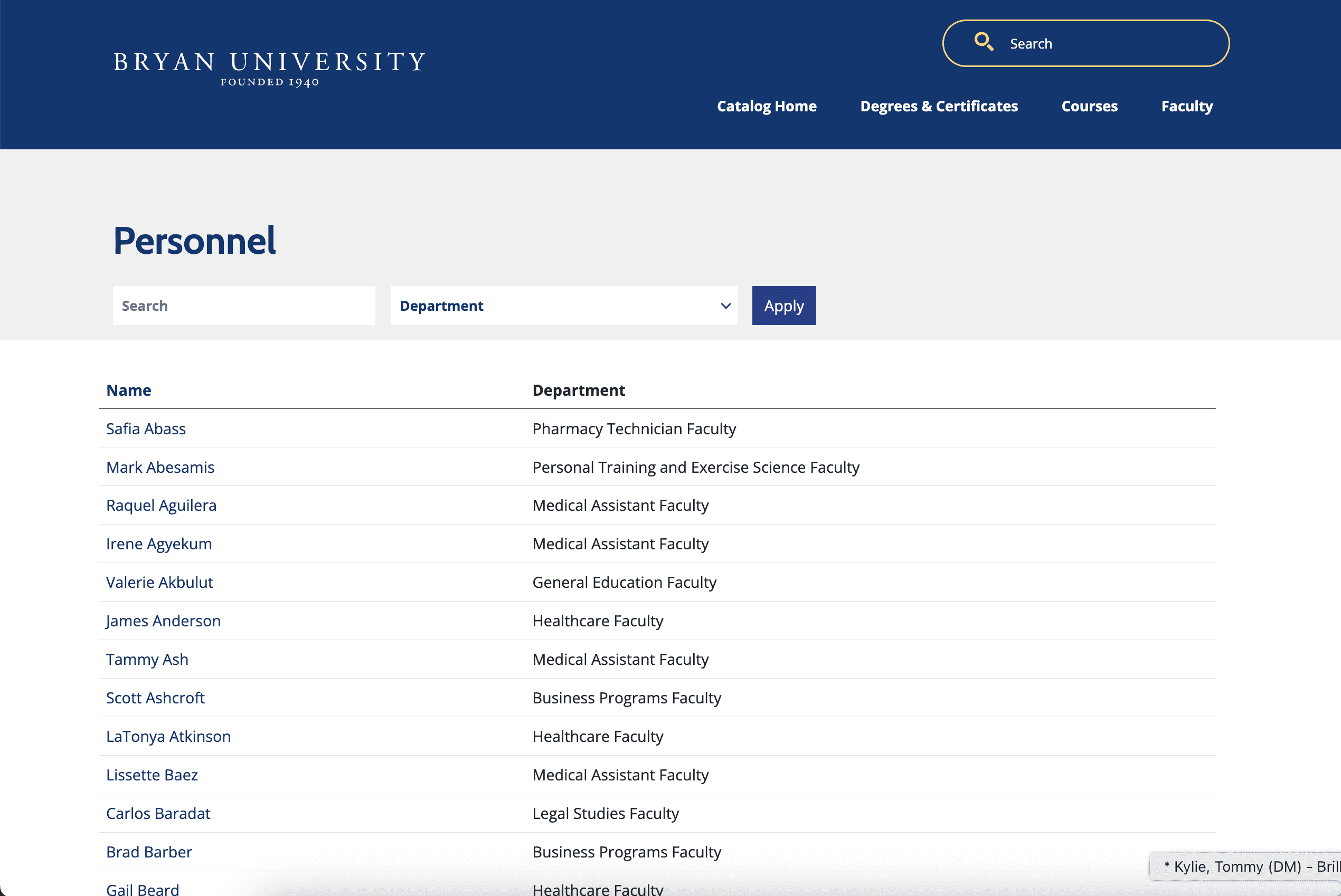 Colorful visual tags help organize information and improve quick scanning.
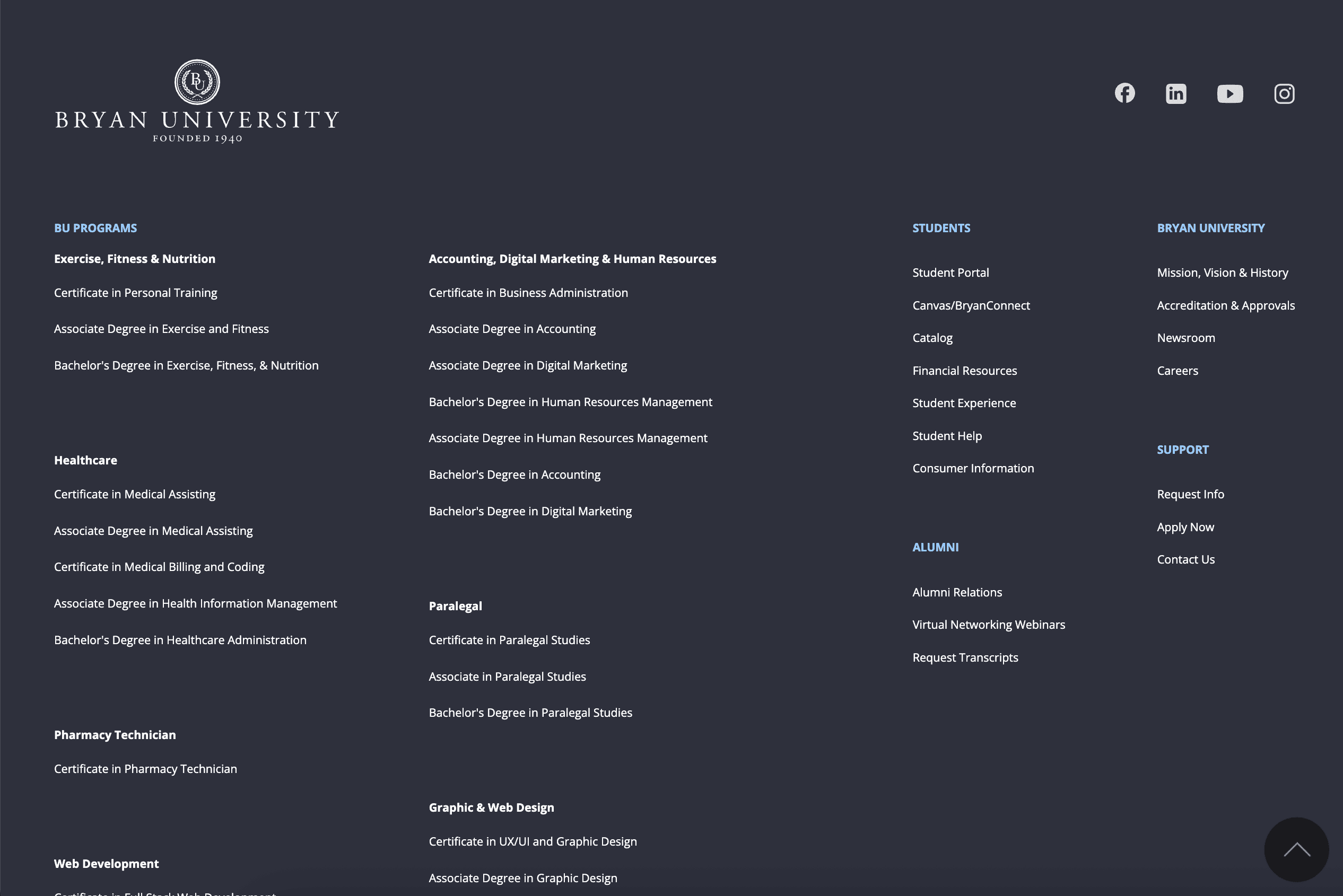 A mirrored footer keeps the catalog aligned with the institution's broader web presence.
Alfred University
Alfred University stands out for its footer alone, which is beautifully designed, on-brand, and useful. Footer sections are clearly divided, buttons feature strong calls to action, and the visual hierarchy makes it simple to find what you need. Beyond that, we added a custom Academic Units tab, which gives users another intuitive way to explore programs. It is a great example of how a few well-placed custom elements can make a catalog feel much more navigable.
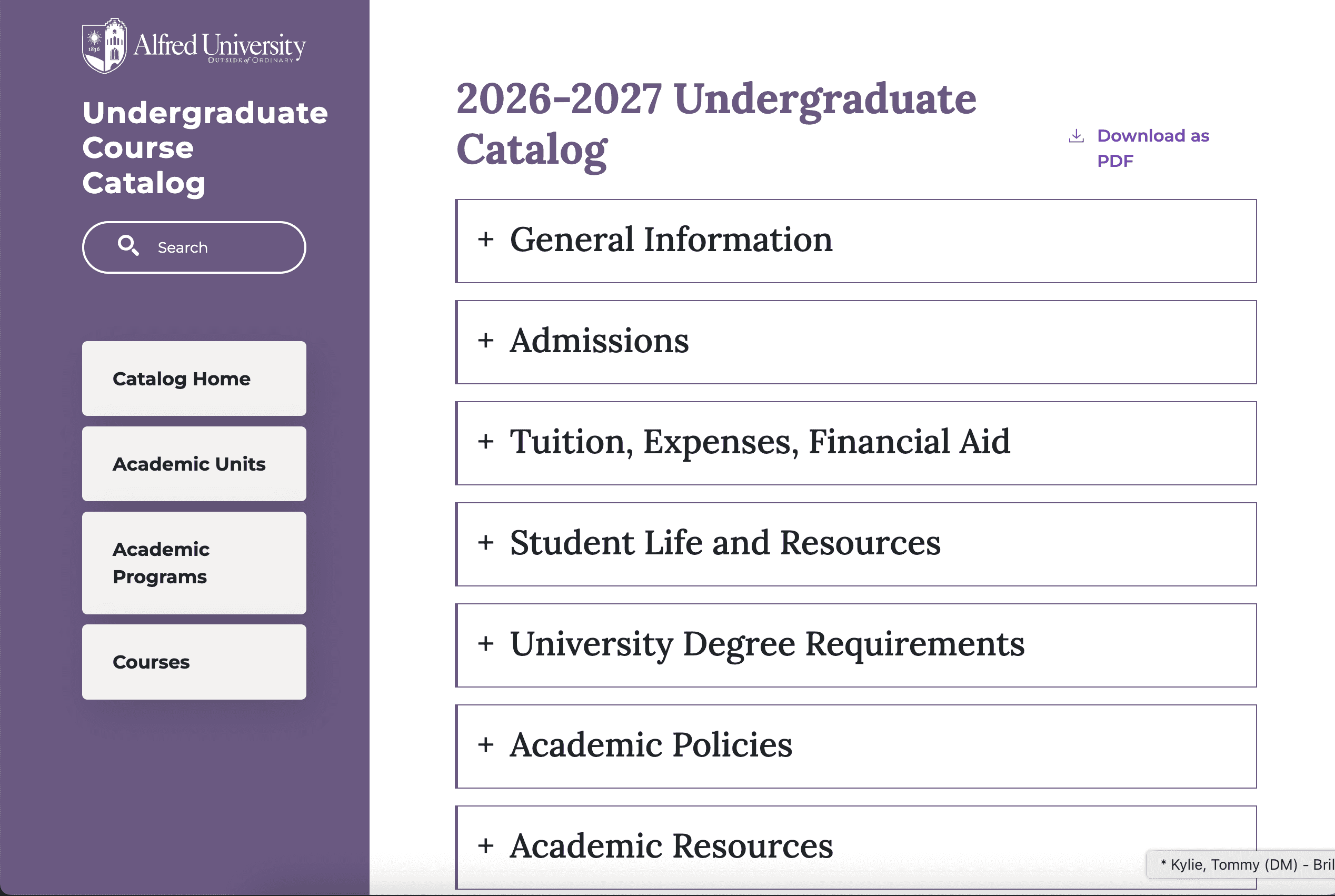 Alfred's homepage carries the institution's visual identity into the catalog experience.
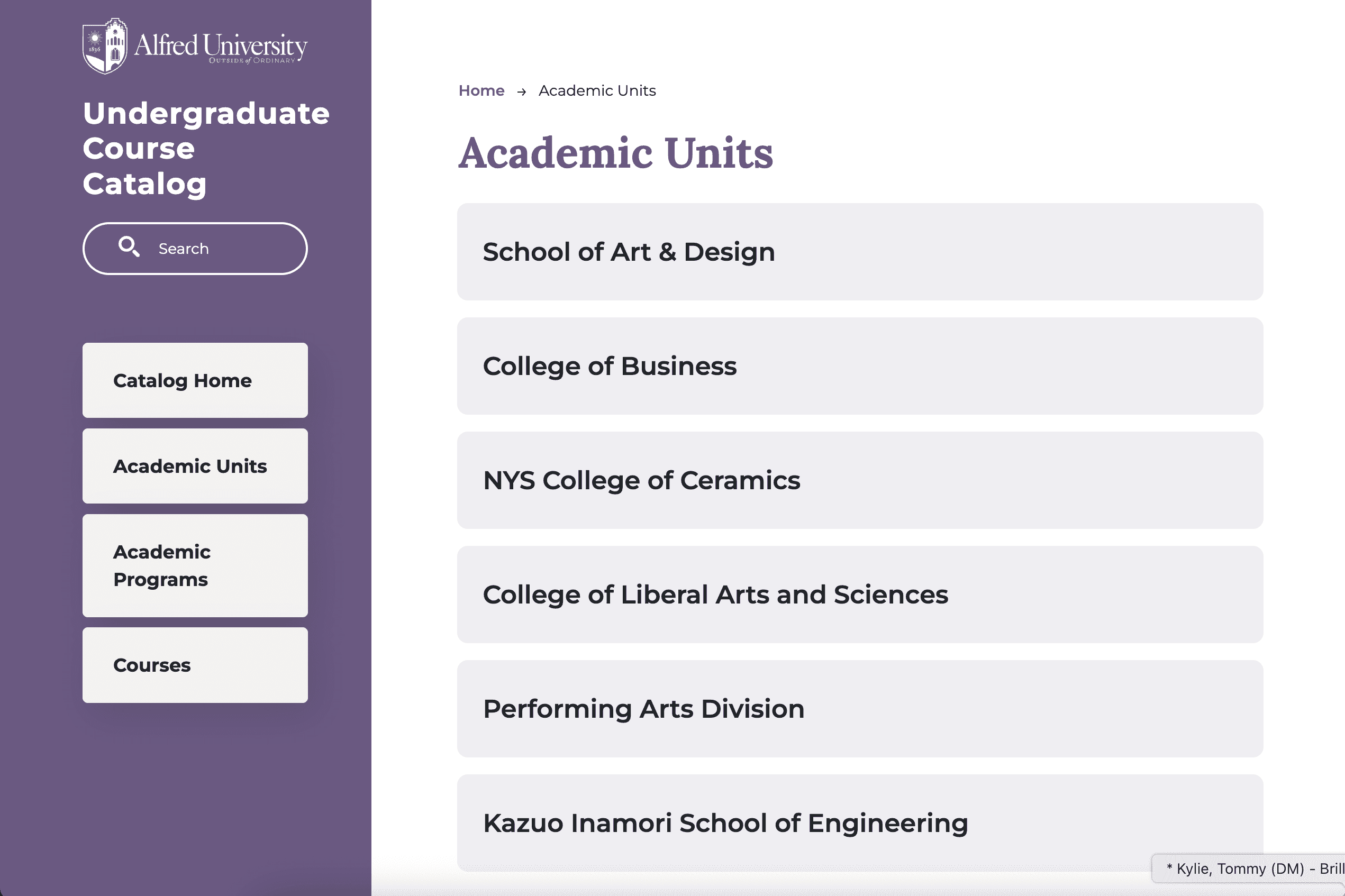 A custom Academic Units tab gives users another intuitive path into program content.
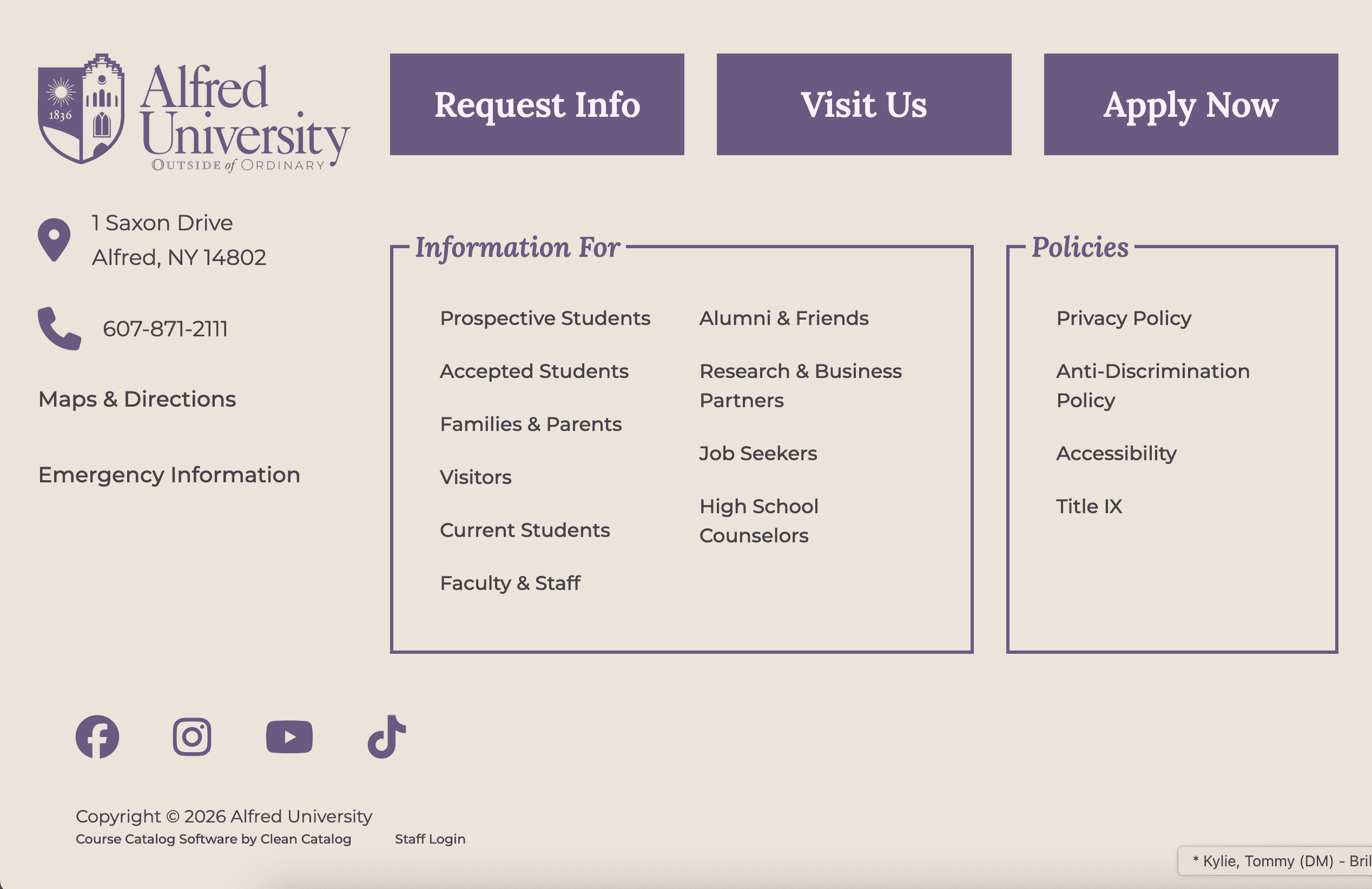 A thoughtfully designed footer adds both polish and utility.
Each one of these catalogs is built on the same foundation: a fully customized experience designed to reflect each institution's brand and needs. With Clean Catalog software, schools do not have to choose between functionality and design. We provide both, with free customizations that ensure your catalog looks and feels like your institution. From typography and color to layout and navigation, every detail can be tailored to create a seamless, branded experience for your students.
If you're interested in seeing more examples, take a look at our earlier showcase of custom catalog site designs and our post on customizing your catalog and curriculum sites. You can also read more about why we don't charge for these customizations or reach out to us if you'd like to schedule a demo.